Field Notes · Delivery Apps
The Worst Photo on Your Uber Eats Listing Wasn't Taken By You

Open Uber Eats right now. Search your restaurant. Look at your menu.
If you see a stranger's blurry phone shot instead of your own photo, here's something you probably didn't know:
Uber Eats lets customers upload photos to your listing. Without your approval.
It's in their merchant policy. If you haven't uploaded a photo for a menu item, a customer who's ordered that dish can submit one in your place — and it goes live without you ever seeing it. You can remove it via Menu Maker. But only after you find it.
Why this matters
Customer-submitted photos are almost never flattering. Bad lighting, shaky framing, half-eaten plates. And menu photos drive real money:
- DoorDash reports menu photos lift delivery volume by 15% (source)
- GrubHub reports sales up 30% with photography (source)
- A 2023 study in the International Journal of Hospitality Management found customers were 65% more likely to add a menu item to cart when they could see what it is.
So if a stranger's bad photo is representing your dish, you're not just embarrassed — you're losing orders to the place down the street that did upload theirs.
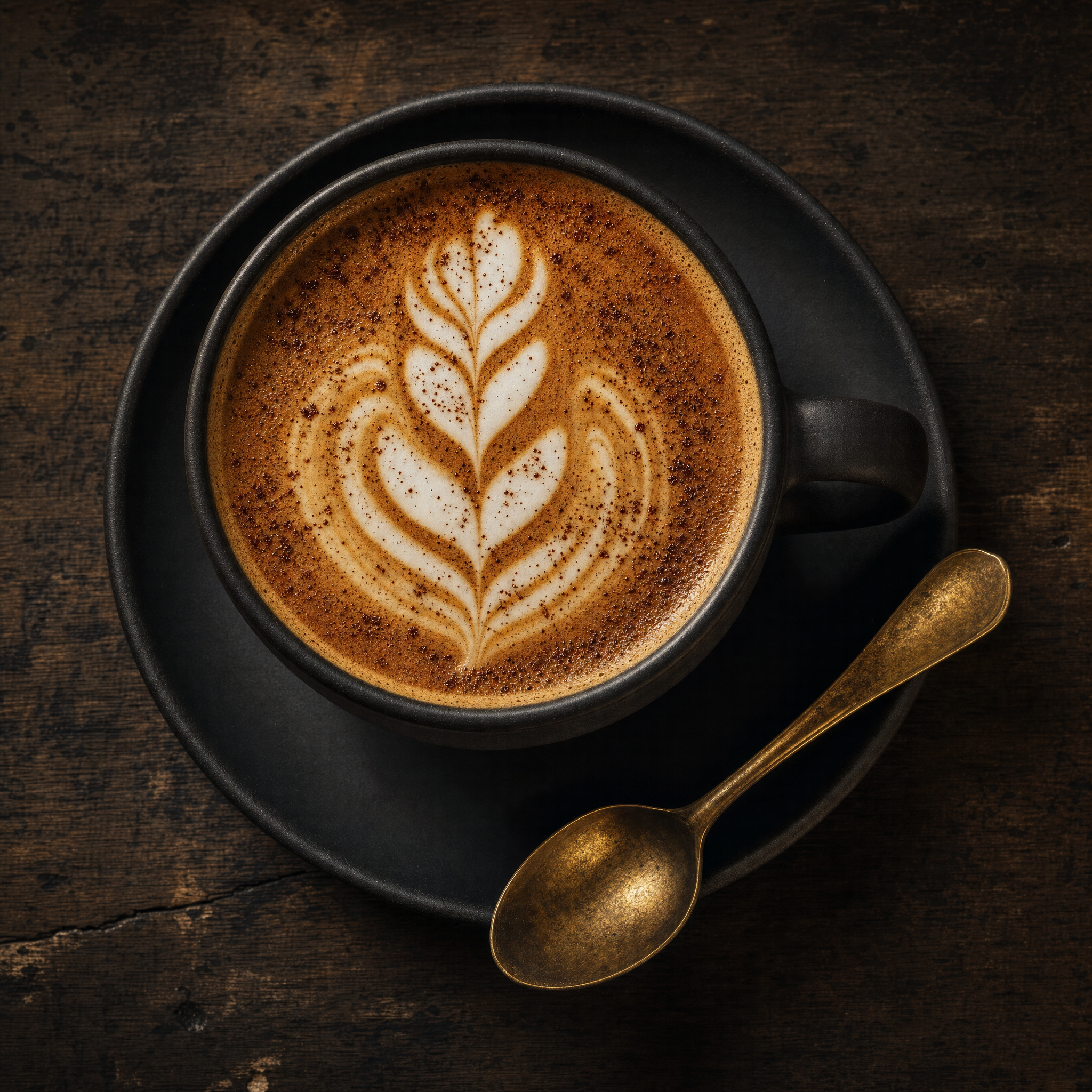
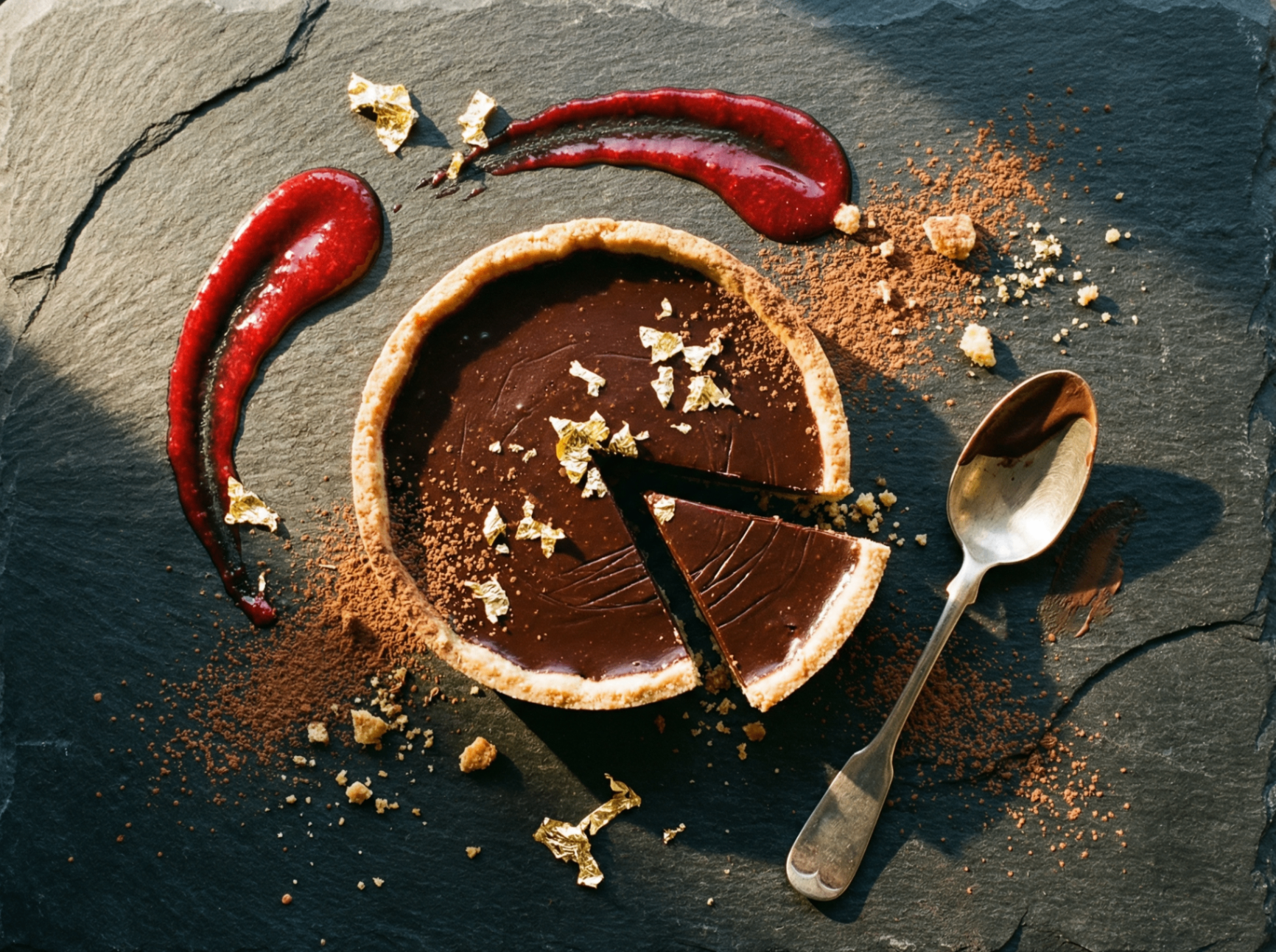
Check yours in 60 seconds
- Open the Uber Eats consumer app (not Merchant — the regular one)
- Search your restaurant by name
- Look at every menu item
- Anything that's not your own photo? Replace it.
Free Audit
Want a no-pitch second opinion?
DM us "AUDIT" on Instagram or email studio@menulift.ca with a screenshot of your Uber Eats listing. We'll send back a 1-page honest read within 24 hours — what's working, what's costing you orders, what would land better. Free. No upsell.
Your food deserves the photo you'd take of it. Not the one a customer took on the way home.